
Add a domain
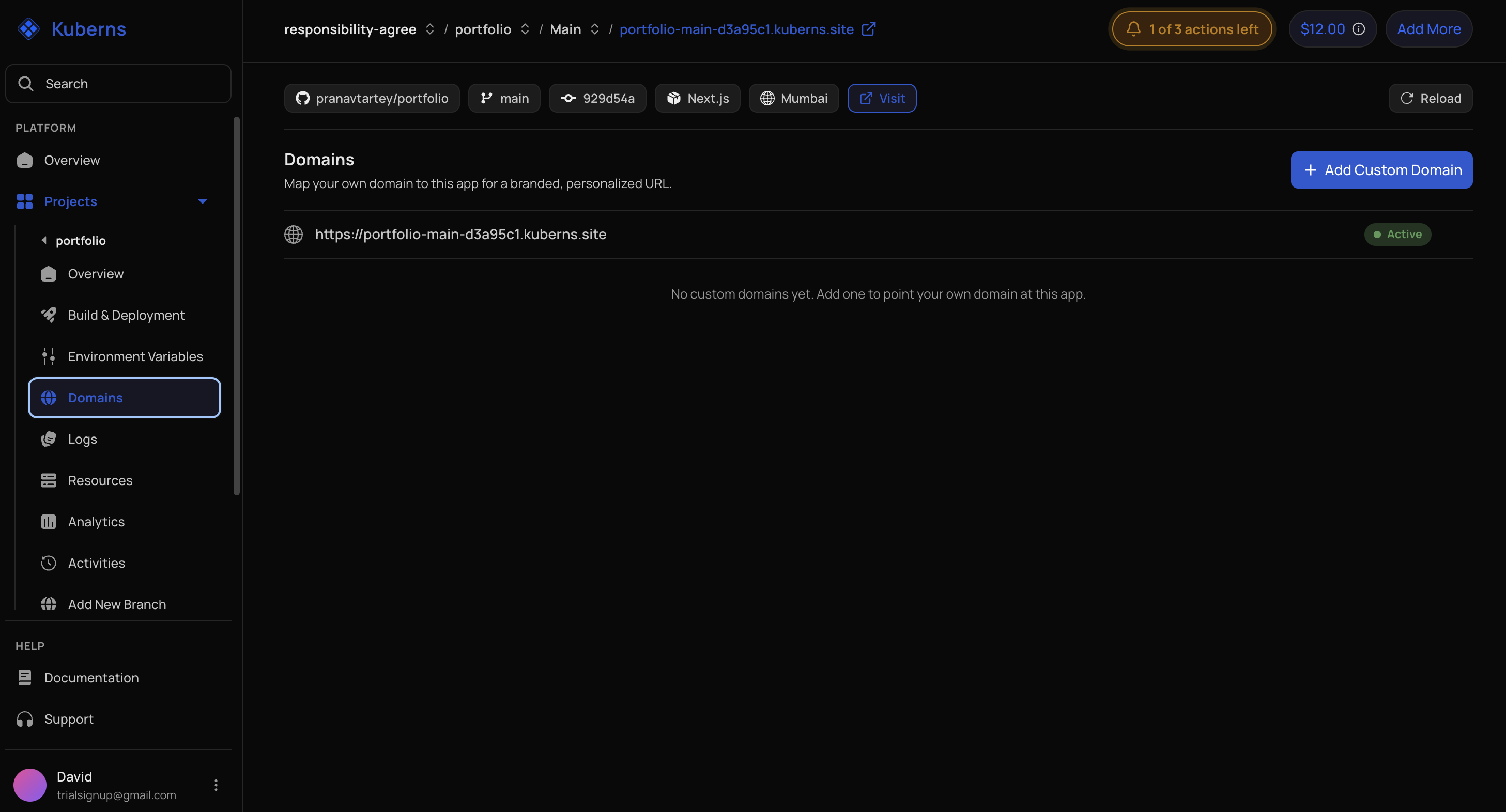
Add a subdomain
For a hostname such as api.example.com:
- Open Custom Domains for the environment.
- Add the hostname.
- Copy the CNAME target shown by Kuberns.
- In your DNS provider, create a CNAME record:
Type:  CNAME
Host:  api
Value: <Kuberns hostname shown in the dashboard>- Return to Kuberns and wait for DNS verification.
Add a root domain
For a hostname such as example.com:
- Add the root domain in Custom Domains.
- Kuberns prepares a stable server IP backed by an AWS Elastic IP.
- Create an A record:
Type:  A
Host:  @
Value: <server IP shown in the dashboard>- Wait for A-record verification and SSL provisioning.
DNS labels vary by provider. Use the exact target or IP shown in Kuberns.
Redirect www
The domain flow supports optional www redirection. Enable it only after the required host records point to the environment.