
First deployment
Before you begin
Prepare:
- A Kuberns account.
- A GitHub or GitLab repository, or a template from the marketplace.
- Required application secrets and external-service credentials.
- The branch you want to deploy.
Deploy a repository
- In onboarding, choose GitHub or GitLab.
- Authorize repository access.
- Select the repository and branch.
- Select an available region.
- Start deployment.
- Watch the live agent view while Kuberns analyzes the repository.
- Review the environment in the dashboard after the managed deployment starts.
The agent can detect the framework, root directory, dependency files, ports, build commands, process commands, Dockerfiles, environment-variable names, and supporting resources.
Deploy a template
- Choose Open-source template.
- Select a template.
- Enter the values requested by its configuration.
- Select the resource and region options shown by the dashboard.
- Deploy.
Templates can use predefined container configuration, managed resources, and environment-variable requirements. Templates marked for CI/CD can use a forked repository so later source changes can participate in the deployment workflow.
After deployment
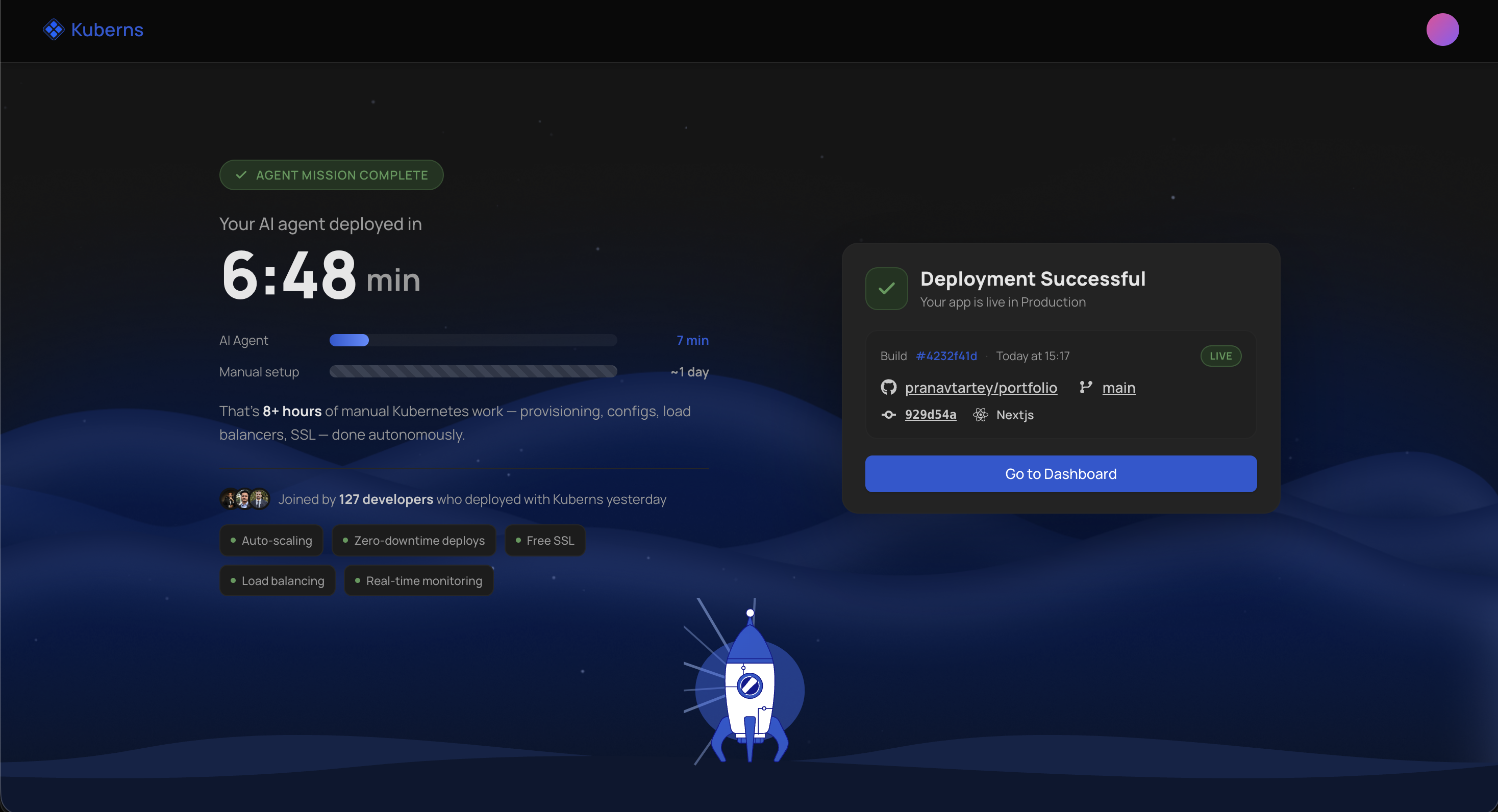
Open the service environment to:
- Check build and service logs.
- Add or update environment variables.
- Review detected deployment settings.
- Inspect resources and metrics.
- Configure a domain after the account is eligible.